Recorded in the app with made-up accounts and posts.
How it works
One composer. Every network. A result for each.
These are real screens from the app, with made-up accounts.
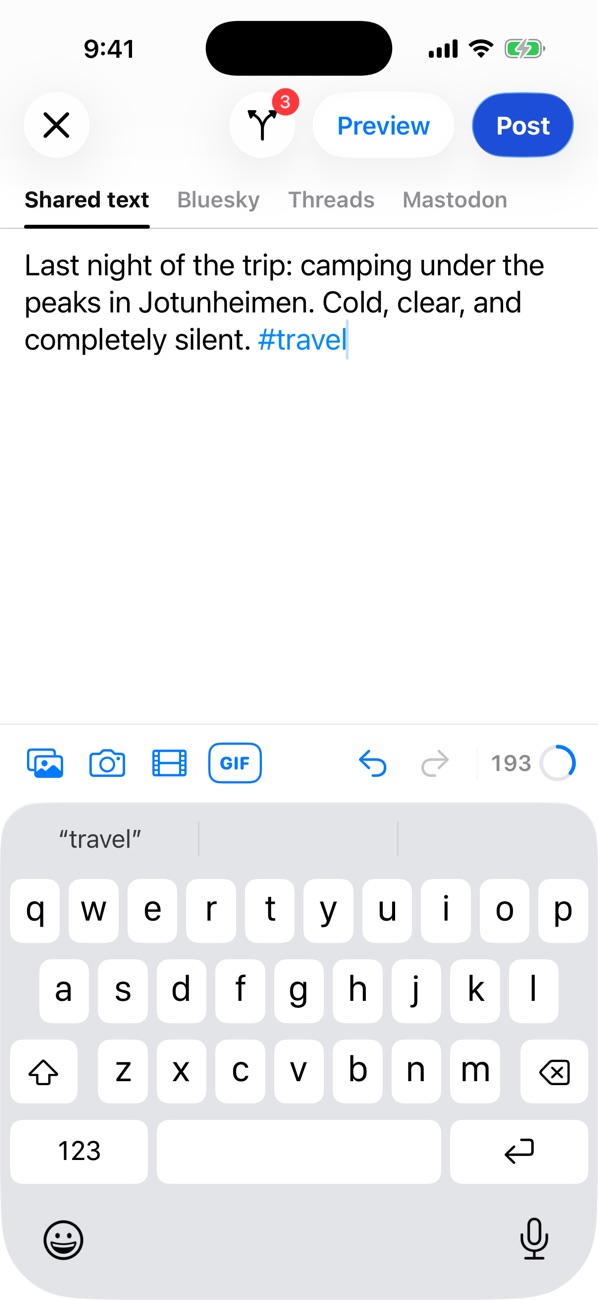
Write once, with every limit in view
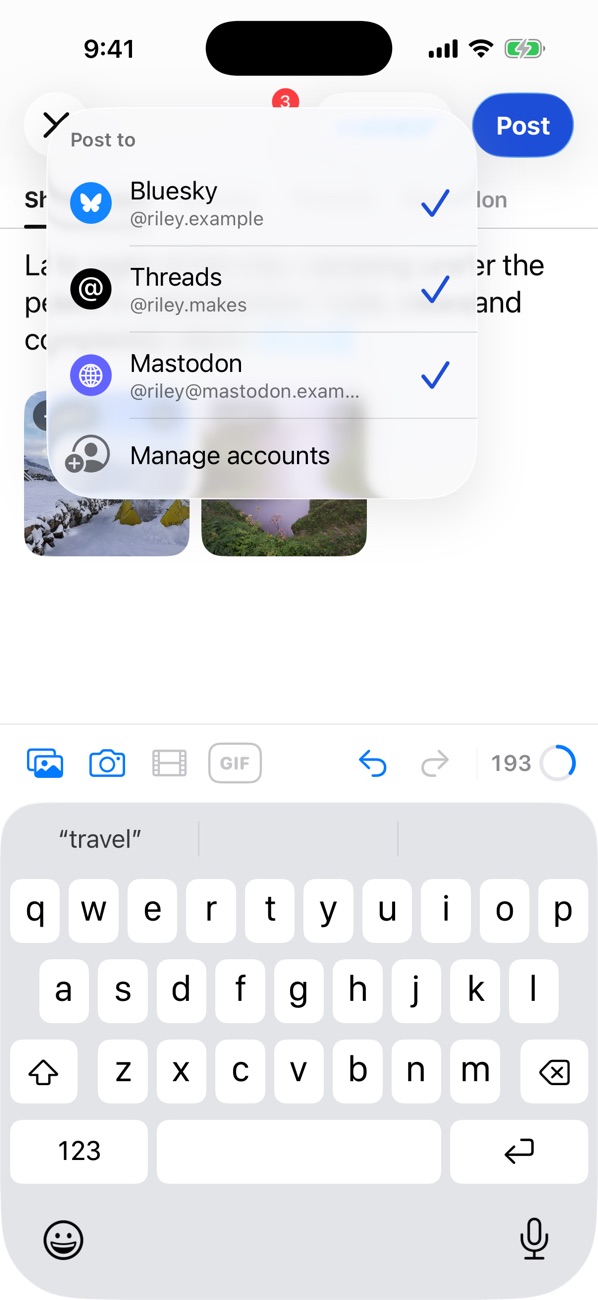
Add photos, a GIF or a video, then choose the accounts it goes to. The counter follows the strictest network you picked, so you know you're over before you post.
Links and hashtags are styled as you type and counted the way each network counts them.
Writing
Choosing where it goes
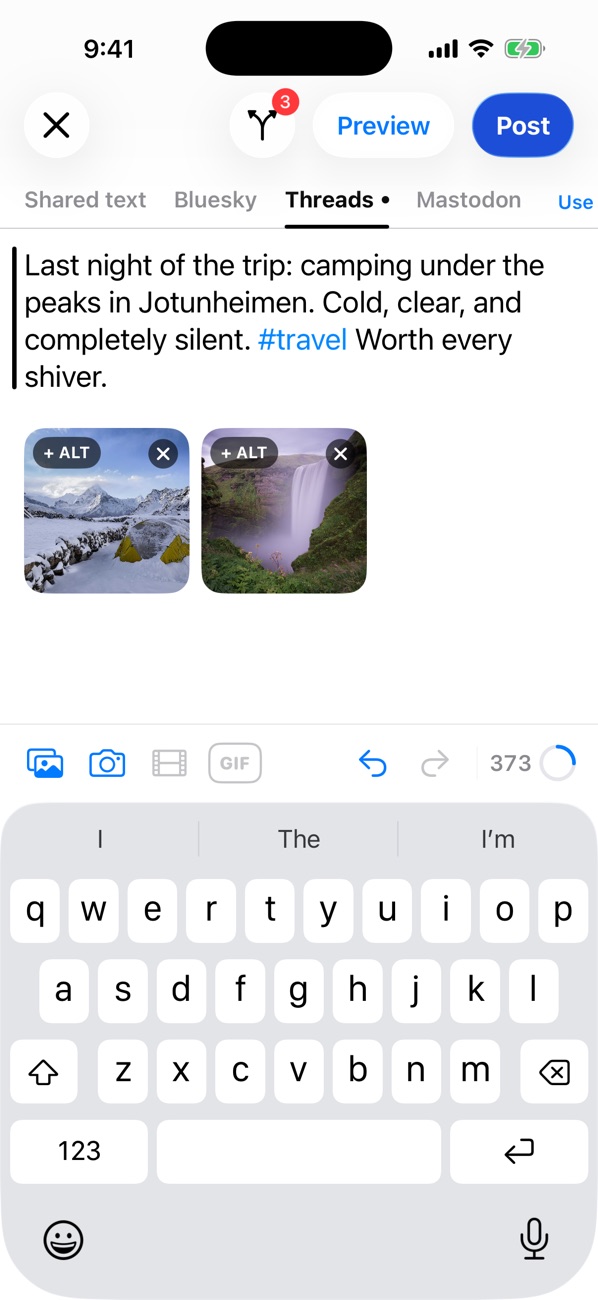
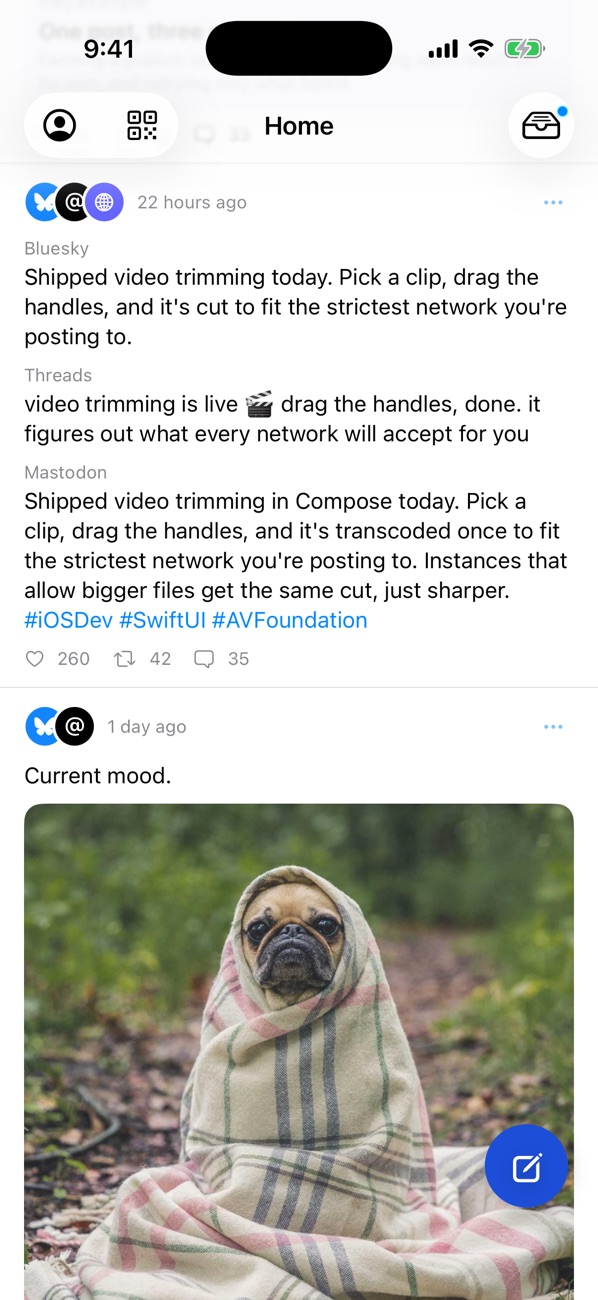
A different wording where it matters
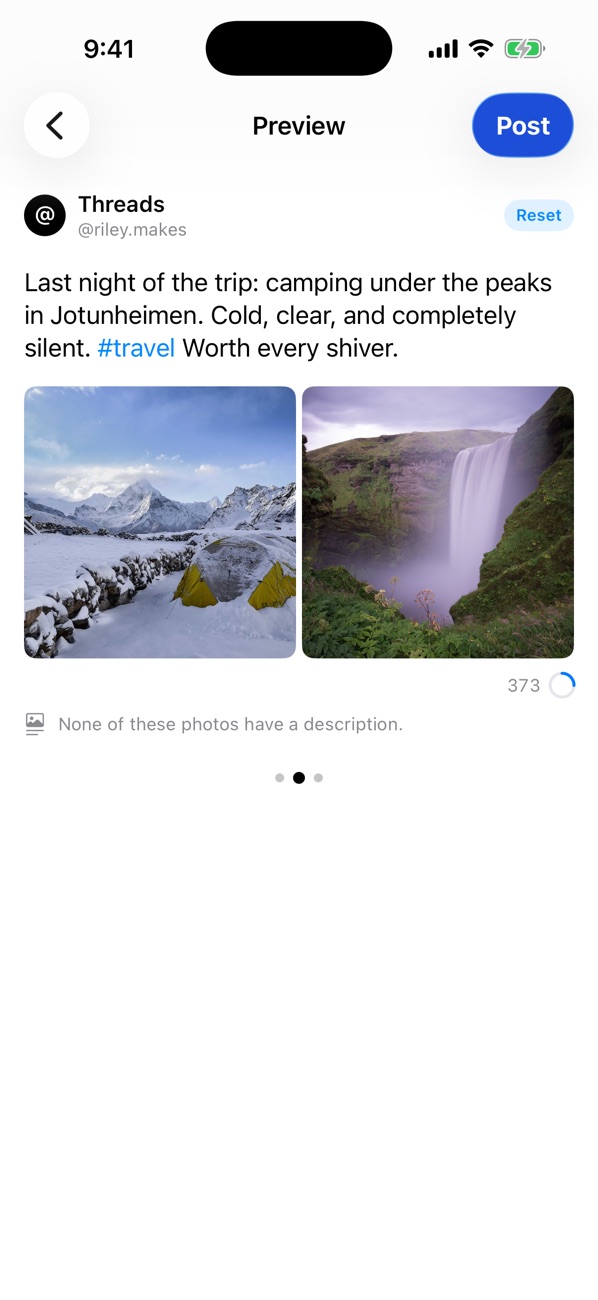
Give any network its own version of the text. Preview shows exactly what each account will post, photos included.
A Threads-only line
Preview
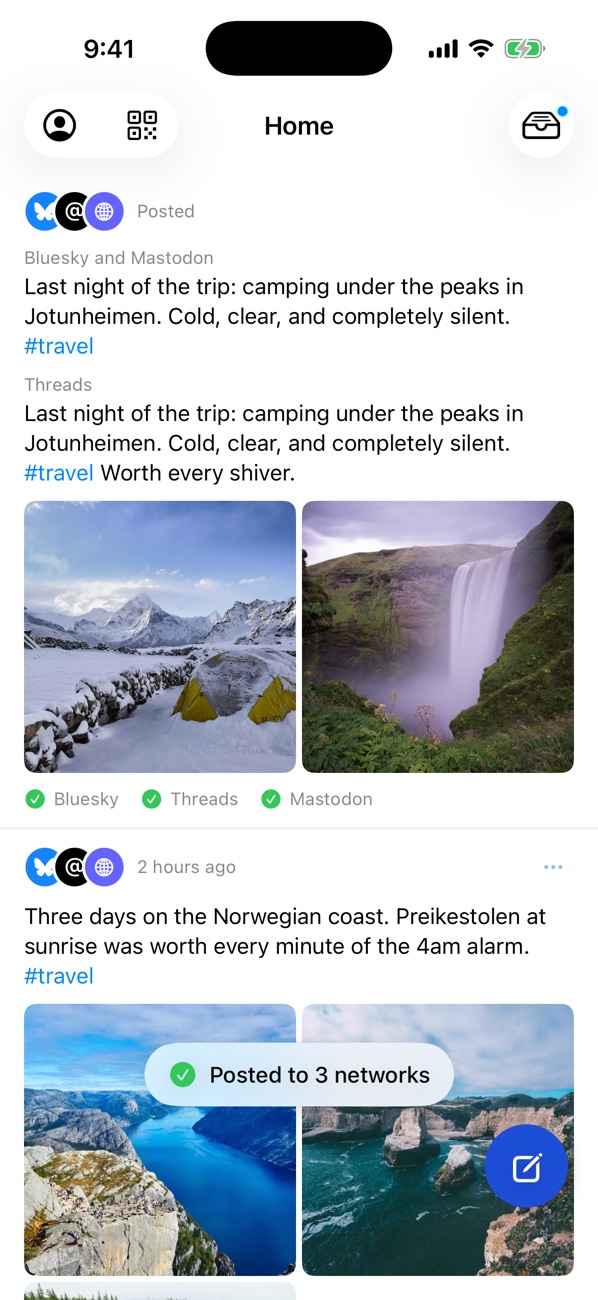
One tap, and you see where it landed
The post goes to every account at once, with a status for each. If one network fails, the others still go out, and Try again resends to just the one that missed.
No connection? The post waits and is sent when the connection returns, unless you cancel it.
Posted to 3 networks
Each version, kept
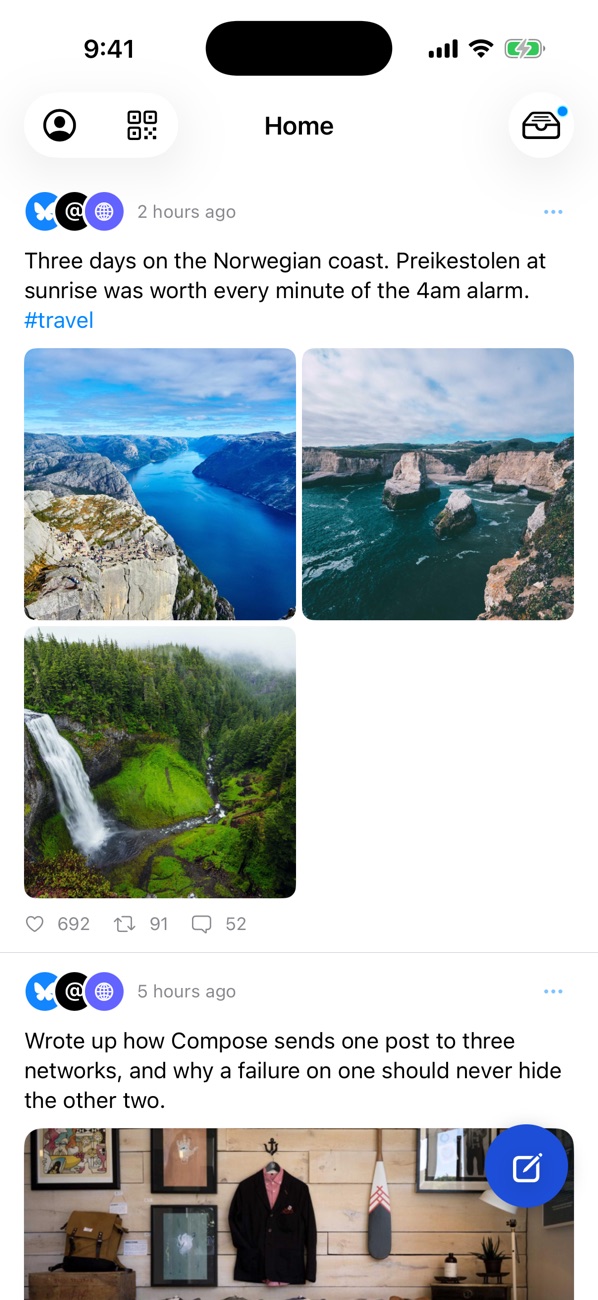
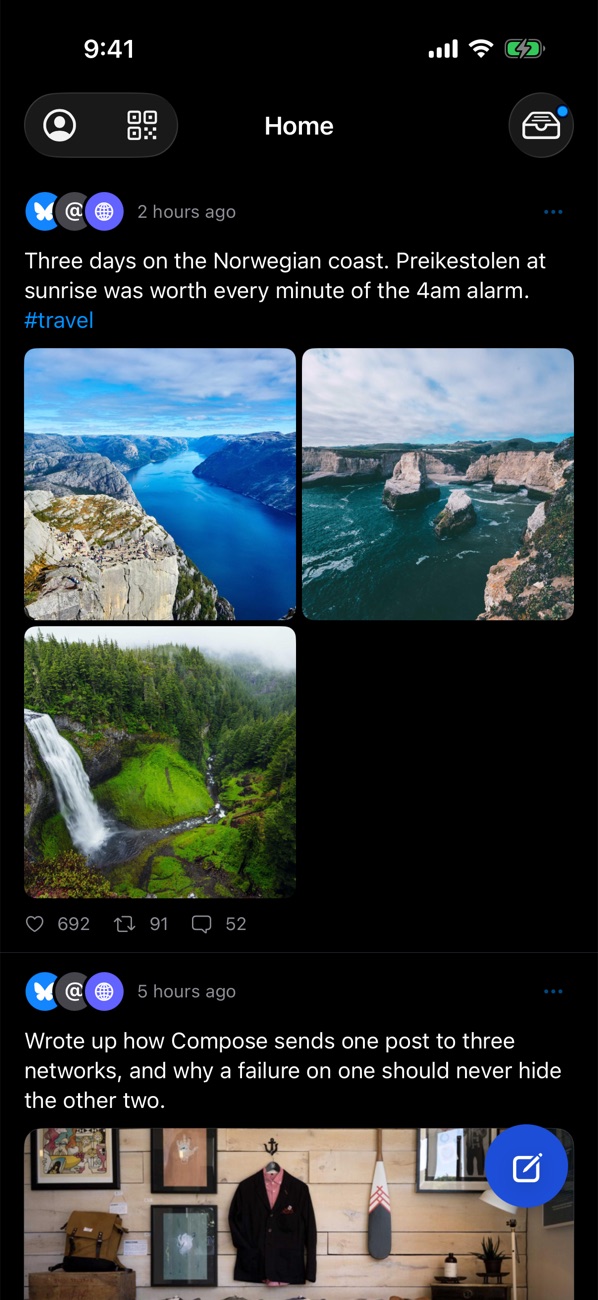
Everything you've posted, in one feed
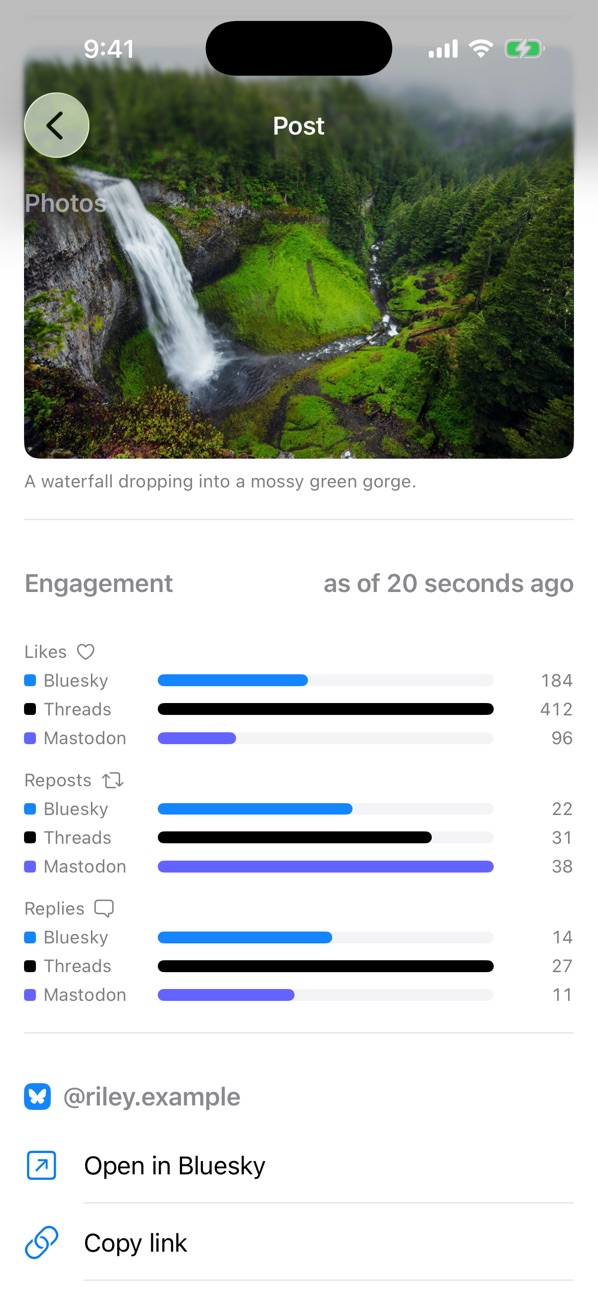
Home keeps every post and the networks it went to. Open one to compare likes, reposts and replies on each network, or jump to it in that network's app.
Home
Engagement by network
Drafts keep photos and each wording
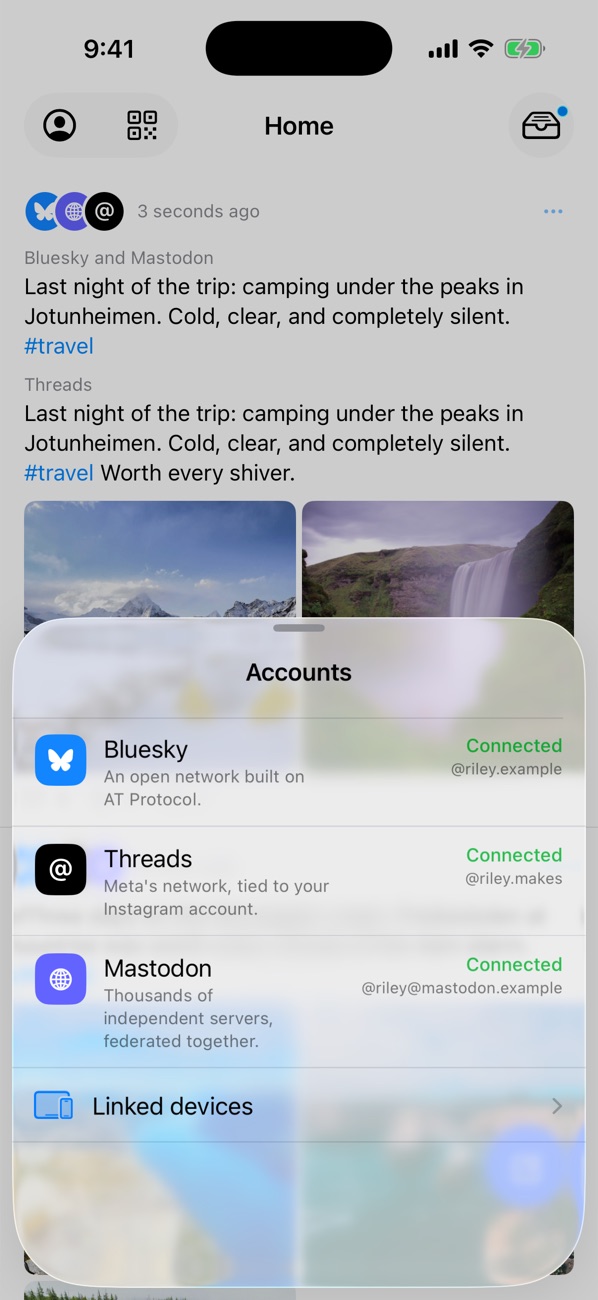
Accounts at a glance
Light and dark
Networks
What you can post, and where
Compose checks these as you write and warns you before you post.
Bluesky
Threads
Mastodon
Characters
300
500
Your server's limit
Photos per post
4
20
4
Video
1, up to 10 min
1, up to 5 min
1, sized to your server
Photos and video together
No
Yes
No
GIFs, link previews, alt text
Yes
Yes
Yes
Likes, reposts and replies in Compose
Yes
Yes
Yes
Privacy
Built to know as little about you as possible.
There's no Compose account, no advertising and no tracking. Below is what happens to your data, including the few cases where it passes through a service we run.
No account with us
There's nothing to sign up for. The app doesn't ask for your name, email address or phone number.
Sign-ins stay on your device
They're stored in the keychain of the device where you signed in, and aren't synced, even to your own devices. A linked device learns which accounts you use; you sign in to each one there.
Posts go straight to the networks
The text of each post goes from your device directly to Bluesky, Threads or Mastodon. Link previews are fetched by your device. Photos and video for Threads are the one exception, described below.
Sync is end-to-end encrypted
Sync is off until you link a second device. Your posts, drafts, media and list of accounts are then encrypted on your device before upload, with a key held only by your linked devices. We can't read what's stored.
No ads, no tracking
Compose contains no advertising, doesn't use the advertising identifier, and doesn't track you across other companies' apps or websites. We don't sell your data.
Only what you choose to share
Compose receives only the photos and videos you select. It doesn't request access to your photo library, contacts or location, and uses the camera only when you take a photo or scan a code.
Where your data goes
Most of your data goes one way: from your device to the network you post to. Here is each route it can take.
Straight to the networks
No service of ours is involved.
Your posts, photos and videoSent to each network you choose. Their privacy policies apply from there.
Staying signed inYour device renews each sign-in with the network directly.
Link previewsYour device fetches the page to build the card.
New Mastodon accountsWhat you enter goes straight to the server you're joining.
Passes through, never kept
Through a service we run, only where a network requires it.
Threads sign-inMeta requires a step the app can't complete on its own. Our service completes it and returns the sign-in to your device without keeping it.
Bluesky sign-inOur service returns the sign-in to the app. Your password goes only to Bluesky.
Threads photos and videoThreads collects media from a web address, so it's held only until Threads retrieves it, then deleted. Anything left behind is deleted automatically within a day.
GIF searchSearch terms are forwarded to GIPHY, and the GIFs you see load from GIPHY.
Encrypted between your devices
Only if you link a second device.
LinkingOne device scans a code shown on the other, and both show the same six digits so you can confirm. The key is exchanged in a form we can't read.
What we can seeA random identifier, how much is stored and when it changes. Not the contents.
Your IP addressUsed to limit request rates. The sync service doesn't store it.
MediaDeleted 90 days after it was last accessed.
What we collect, and what we don't
The app sends usage counts so we can tell what's working. Apart from these and the routes above, nothing about you is sent to us.
Not collected
The text of your posts or drafts
Your handles or account names
Your passwords
Your name, email address or phone number
Your contacts or location
The links you share
The advertising identifier
Synced data is stored encrypted, and we can't read it. Threads media passes through only as described above.
Usage counts, with an off switch
Which networks a post went to, whether it sent, its length, and how many photos and hashtags it had
How many accounts are connected on each network
Whether the composer, onboarding and sign-in screens were finished or closed
A random install ID, plus basic device details such as iOS version and language
Counts go to TelemetryDeck. They're on by default. Turn them off in Settings → Compose → Share Usage Statistics, which also deletes the install ID.
You're in control
Turn off usage counts
Settings → Compose → Share Usage Statistics.
Sign out of an account
In Accounts, sign out on this device or remove it from all your devices. Compose also asks the network to revoke the sign-in, where the network allows it.
Erase synced data
Accounts → Linked devices → Unlink all devices. This also signs that device out of its accounts.
Delete the app
Removes Compose's data from that device. Sign out of each account and unlink all devices first: iOS may keep sign-ins after an app is deleted, and synced data stays until you unlink. Published posts stay on each network until you delete them there.